AI Image
Nano Banana 2.1 Image Generator
Nano Banana 2.1 is Google's image generation and editing model. Opus55Vid brings model selection, prompts and image downloads into one workspace: sign in to Opus55Vid to generate, without a Google account. Nano Banana 2.1: 30 credits per image; check each model’s cost before generating.
Credits are held before generation. Failed generations release the hold.
Sign in to generateYour image starts with a few words
Describe the subject, setting and visual style. Select a model in the lower-left corner to get started.
Nano Banana 2.1 and other image models
Prompt ideas below are creative starting points. Ratios and references describe verified options in this workspace; — means the integration is not yet verified. Official capabilities do not guarantee relay support.
Swipe to compare formats, references and credits →
| Model | Prompt ideas | Ratios here | Reference image here | Credits / image |
|---|---|---|---|---|
| Nano Banana 2.1 | Infographic concepts, Text-bearing visual drafts, Illustration concepts | 1:1 | No | 30 credits per image |
| Nano Banana 2 | Scene concepts, Illustration drafts, Social visual concepts | 1:1 | No | 30 credits per image |
| GPT Image 2 | Product visual concepts, Campaign drafts, Composition experiments | 1:1 | No | 23 credits per image |
| GPT Image 2.5 | Creative concept exploration | 1:1 | No | 23 credits per image |
| Nano Banana Pro | Poster concepts, Product mockup drafts, Infographic concepts | 1:1 | No | 30 credits per image |
How to use Nano Banana 2.1 online
1. Sign in to Opus55Vid
Use your Opus55Vid account and shared credit balance. You do not need a Google account or your own provider API key.
2. Choose an available model
Check the model's current per-image credit cost and available aspect ratios. Select an option the tool shows as available before generating.
3. Describe the image
Write the subject, setting, composition, lighting and any exact wording you want in the image. Review the prompt before generating.
4. Review and download
Download a successful result, copy its prompt or select another available model for a new generation. A new generation uses the selected model's credit cost.
Image examples and full prompts
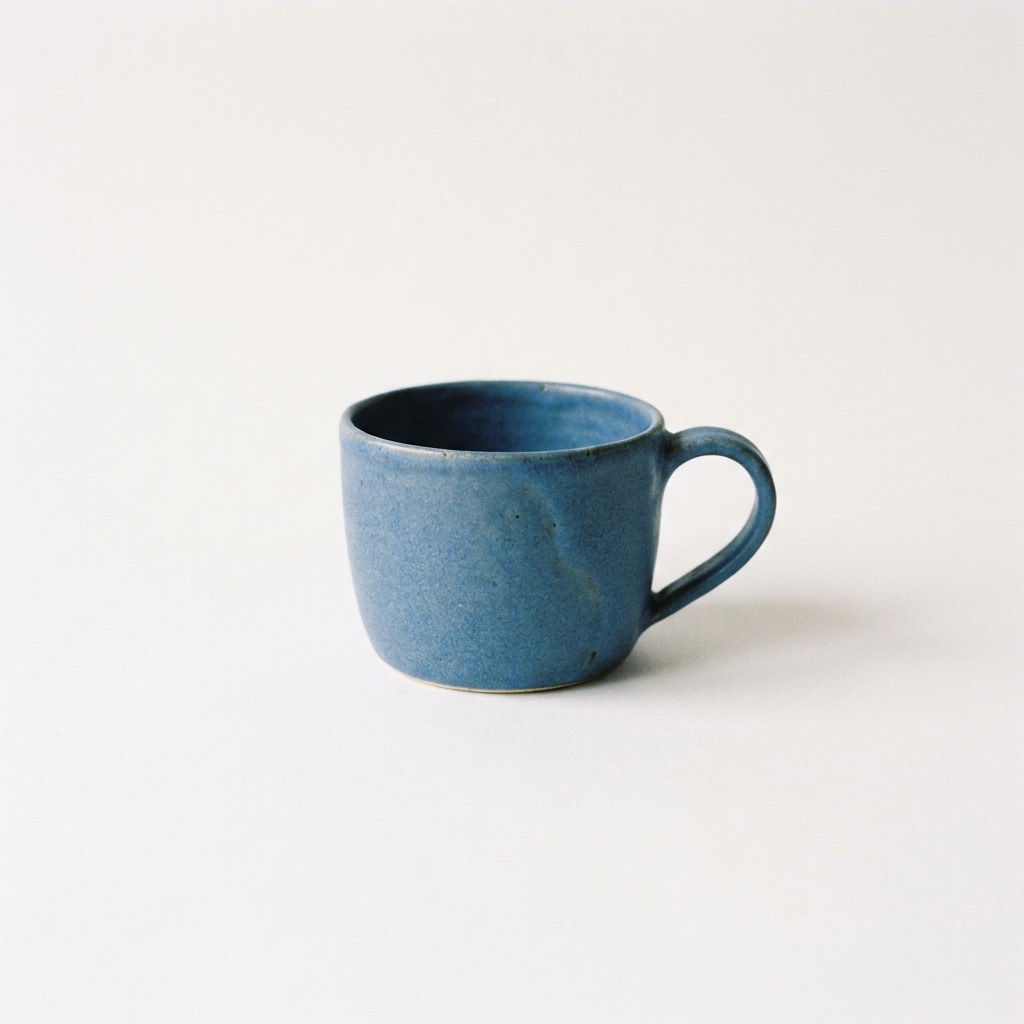
Nano Banana Pro
A simple blue ceramic cup on a plain white background. No text.
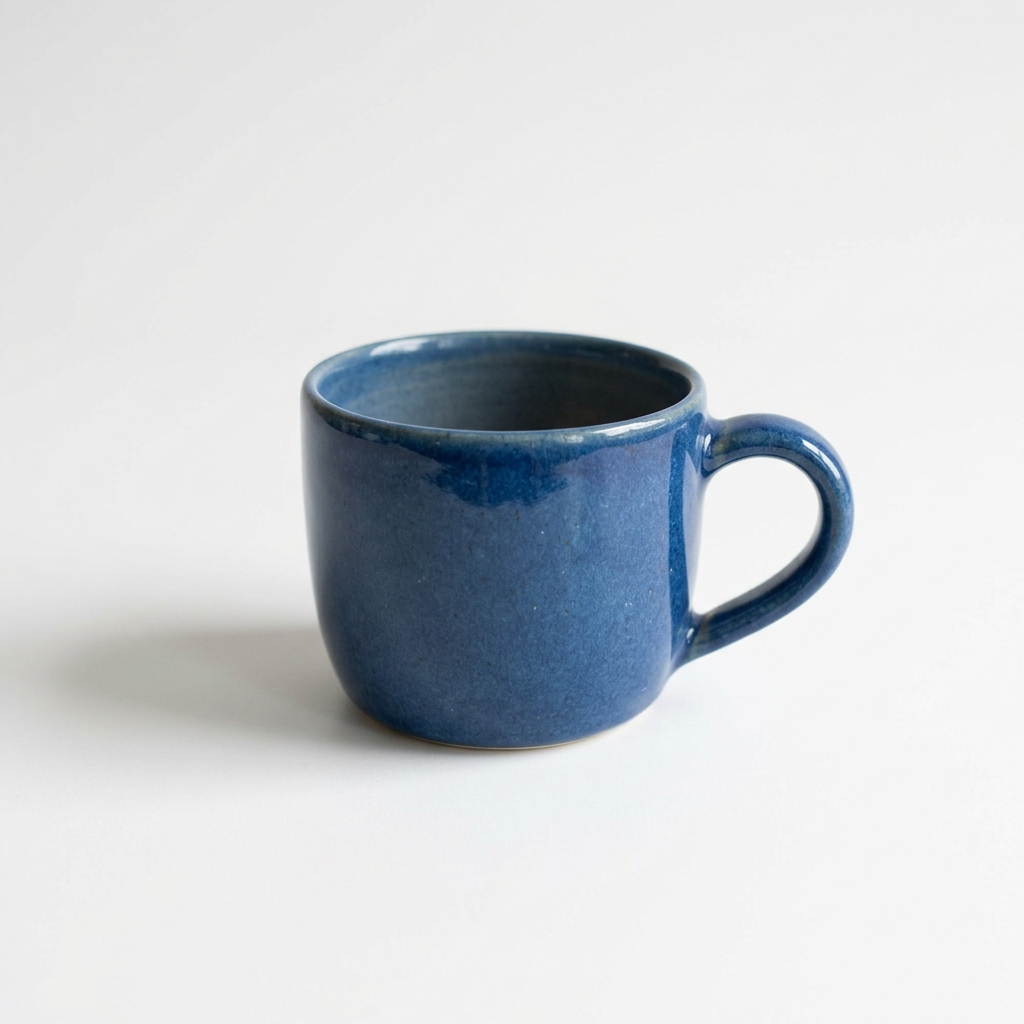
Nano Banana 2.1
A simple blue ceramic cup on a plain white background. No text.
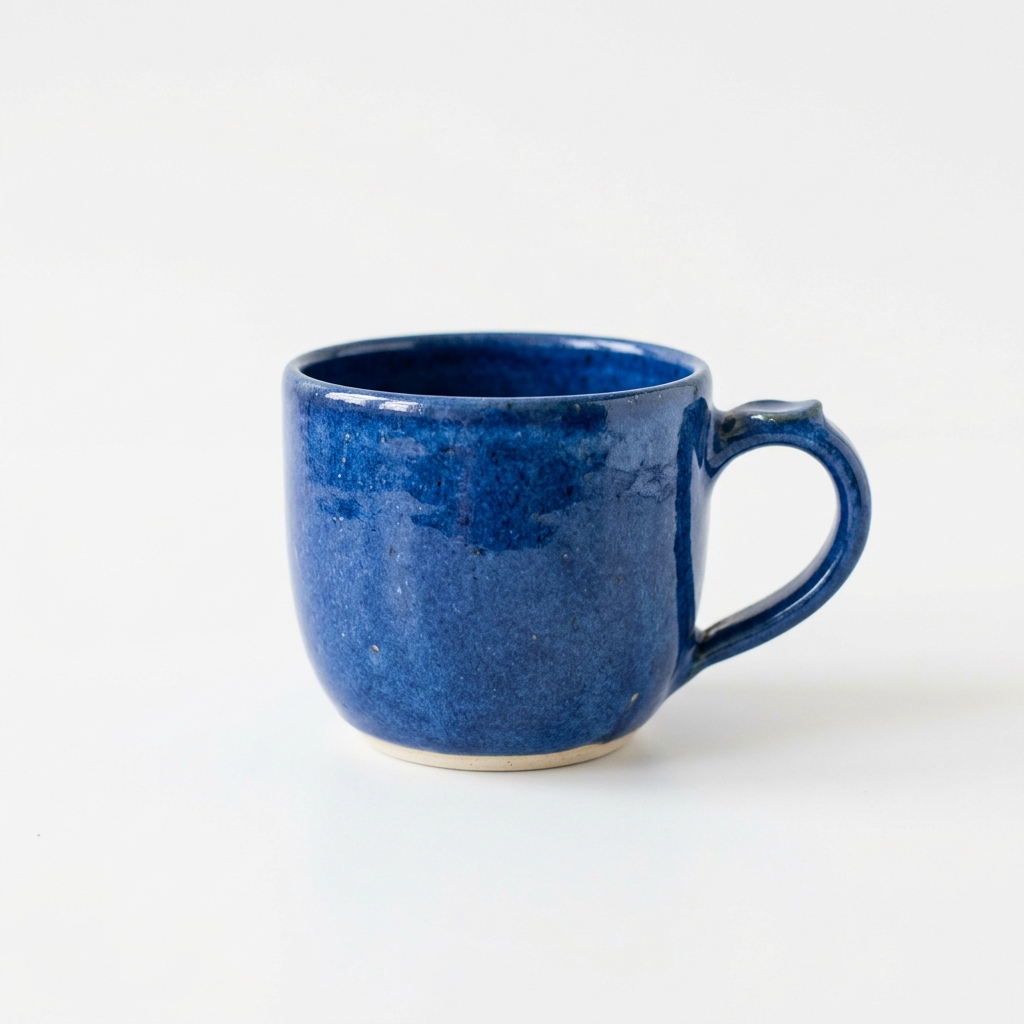
Nano Banana 2
A simple blue ceramic cup on a plain white background. No text.

GPT Image 2
A simple blue ceramic cup on a plain white background. No text.

GPT Image 2.5
A simple blue ceramic cup on a plain white background. No text.
Image generation FAQ
What is Nano Banana 2.1?
Nano Banana 2.1 is Google's Gemini Nano Banana 2.1 image generation and conversational editing model. Google documents improved visual quality, text rendering and consistency across edits. Opus55Vid's supported options depend on its verified integration, rather than every capability in Google's API.
Do I need a Google account to generate images?
No. You sign in to Opus55Vid and use your Opus55Vid credits. You do not need a Google account, an OpenAI account or your own provider API key to use this workspace.
How many credits does each image cost?
Nano Banana 2.1: 30 credits per image; Nano Banana 2: 30 credits per image; GPT Image 2: 23 credits per image; GPT Image 2.5: 23 credits per image; Nano Banana Pro: 30 credits per image. The model selector shows the cost before generation. Image generation and video creation use the same Opus55Vid credit balance.
Can I use generated images commercially?
Commercial use is subject to Opus55Vid's terms and applicable provider conditions. You must have rights to your inputs and check the result for third-party rights, trademarks and likenesses. A generated image is not a guarantee of exclusive ownership or copyright protection. See /terms for the service's usage terms.
What happens to credits if image generation fails?
Credits are held before generation and charged when an image is delivered. If generation fails, the hold is released; a settlement issue can leave that release pending until reconciliation. Check the job status and balance, and contact support if the hold remains. Payment refunds follow /refund.
Which image model should I choose?
Configured options: Nano Banana 2.1, Nano Banana 2, GPT Image 2, GPT Image 2.5, Nano Banana Pro. Only verified, enabled models are available. Choose an enabled model with the supported controls and credit cost you need; compare outputs with the same prompt rather than assuming a quality winner.
How long are my generated images stored?
Generated image files are stored for 30 days. Download images you want to keep before that period ends. Storage is temporary, not a permanent backup; saved prompts and job records do not guarantee that an expired image remains downloadable.
Is Opus55Vid an official Google or OpenAI product?
No. Opus55Vid is an independent product, not affiliated with Google or OpenAI. Nano Banana and GPT Image names identify model options and belong to their respective owners.
Explore models and related tools
- Nano Banana 2.1
- Nano Banana 2
- GPT Image 2
- GPT Image 2.5
- Nano Banana Pro
- Nano Banana Pro vs Nano Banana 2.1
- Nano Banana 2.1 vs GPT Image 2.5
- Pricing
- Make a motion-graphics video
Independent product, not affiliated with Google or OpenAI. Nano Banana and GPT Image are trademarks of their respective owners.